

Contractors
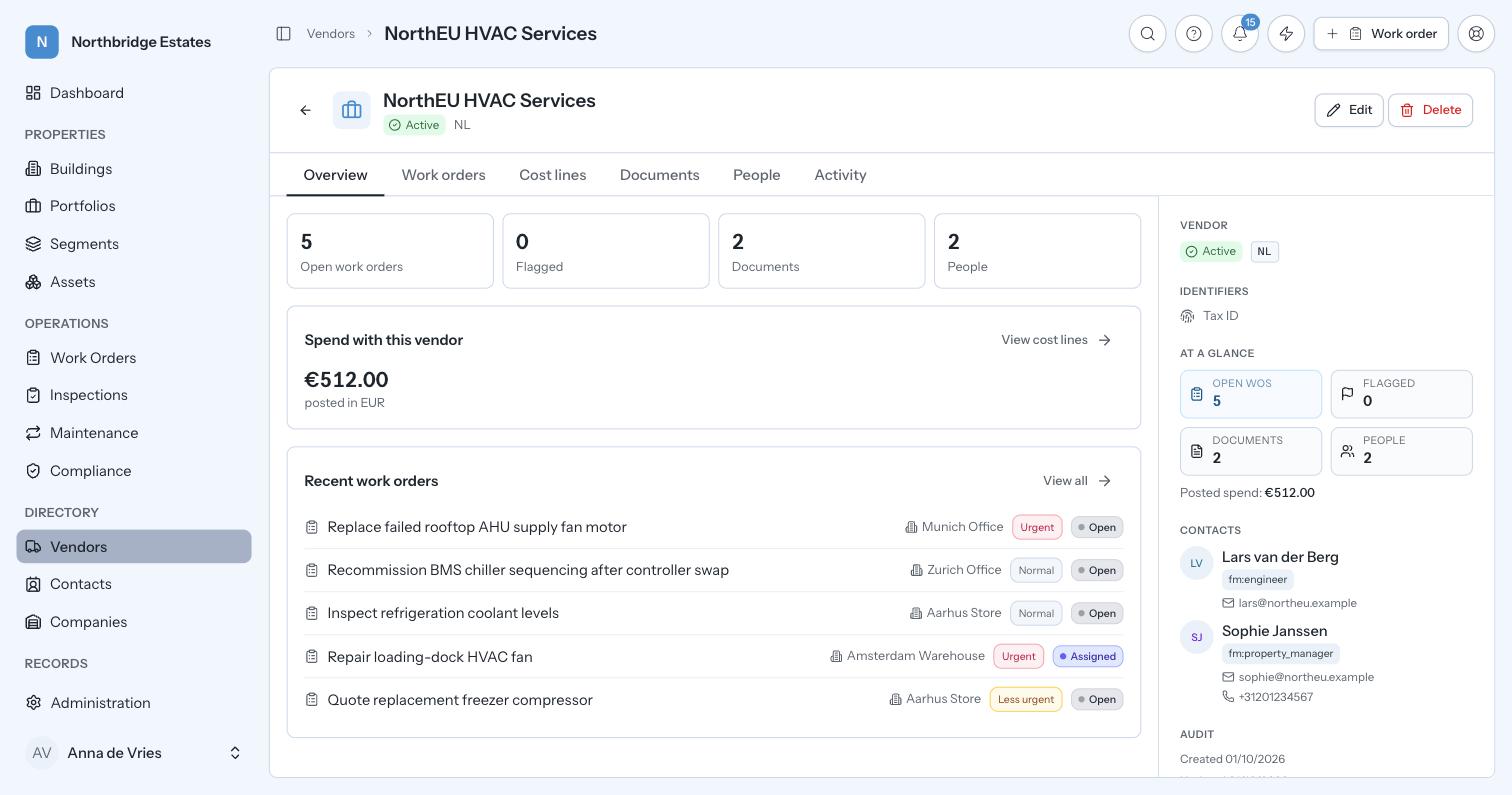
Insurance, contracts and spending limits as live records with dates on them, not folders somebody forgot to open. Contractors and suppliers sit in one central register with their service agreements,…
 English (UK)

A request becomes a job, gets assigned, approved and closed, with the paper trail behind it.
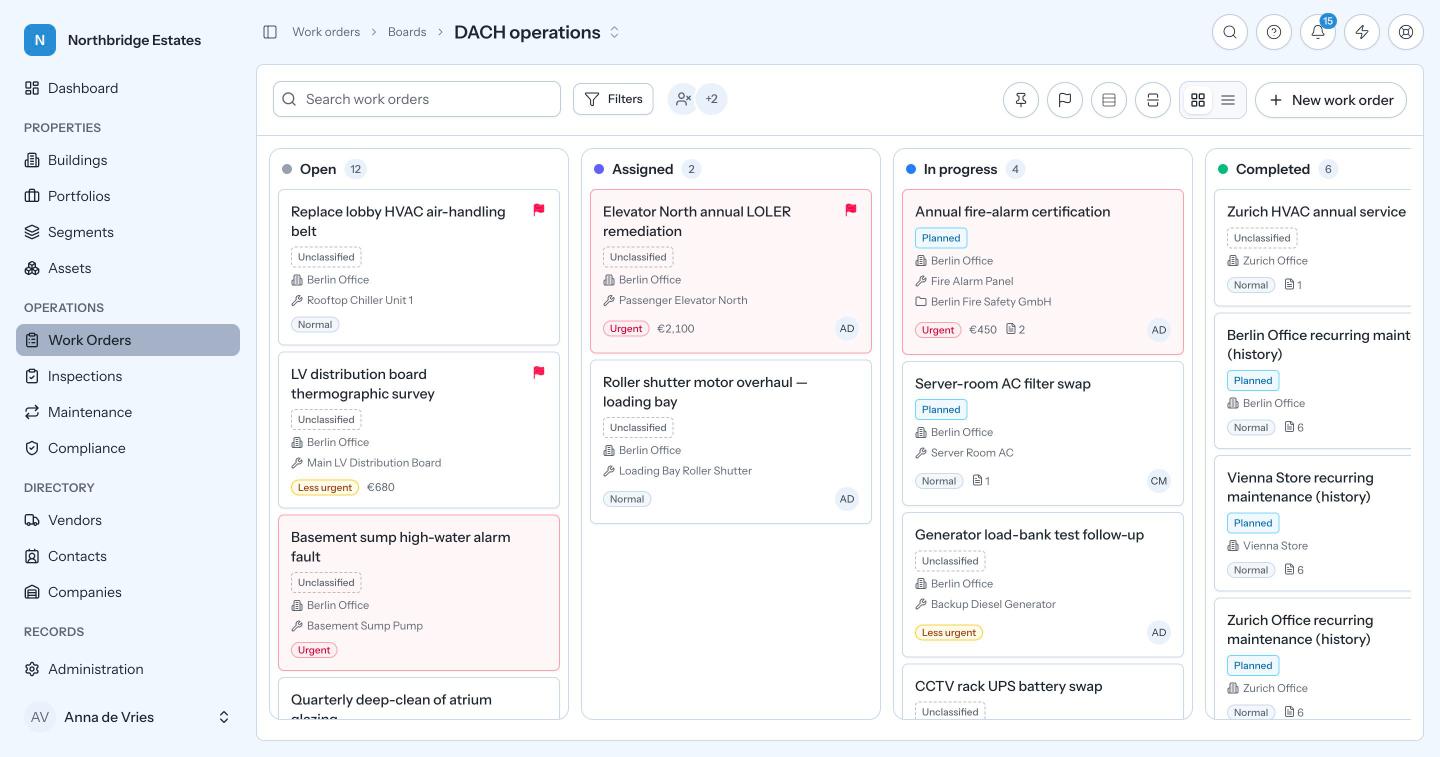
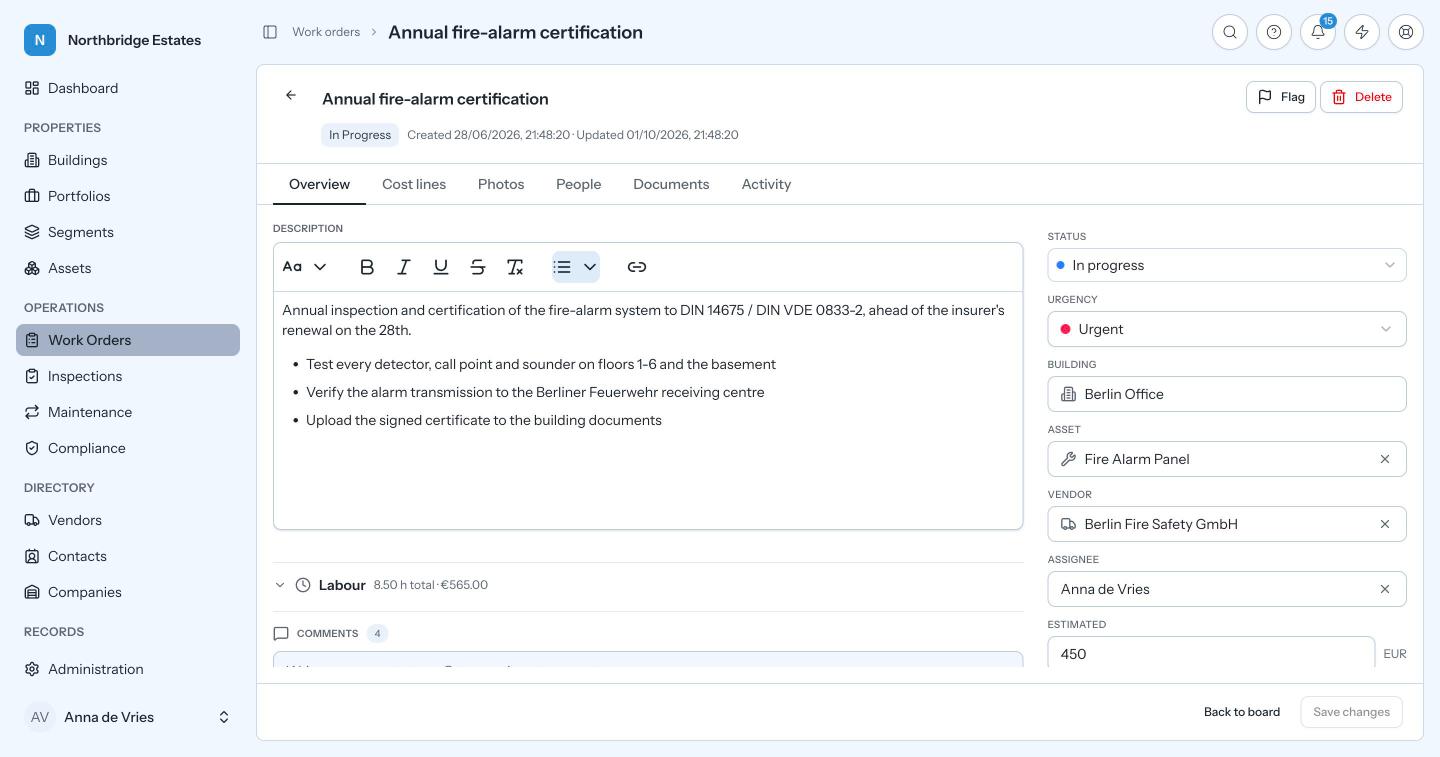
The work order is the unit of work in Prova. A request becomes a job, the job is assigned to a person or a contractor, it is approved, and it is closed. Each job links to the asset it concerns, to the maintenance routine or inspection that raised it, and to the safety certificate it supports. Costs, labour hours, photos and comments attach to the job itself, and every approval and status change lands on one chronological timeline. Boards then give you kanban views over that work, organisation-wide, per team or scoped to a single region, with columns carrying your own labels while still mapping onto Prova’s canonical statuses. Saved views do the same for registers, where each person keeps their own filter, sort and column layout.
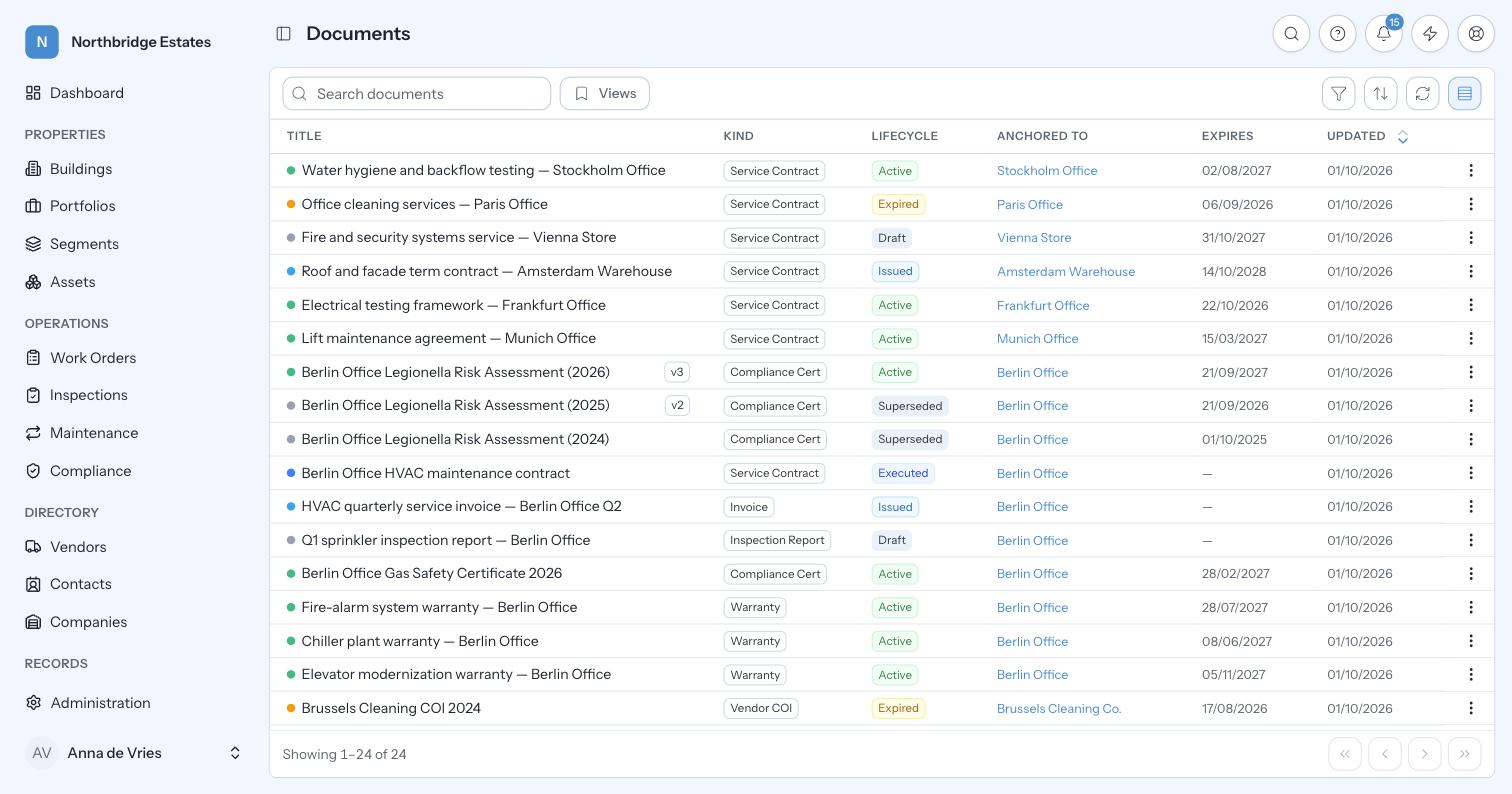
The paper trail is the point. When an inspector asks what you did about a defect found in March, the answer is a single record: what was found, who was assigned, what it cost, what evidence was filed, and when it closed. Teams running this through email can usually produce the request or the invoice, but rarely both. And because head office and a site engineer get different views rather than different systems, both are looking at the same work orders, so there is nothing to reconcile at month end and no critical report living in one person’s spreadsheet.
Work order
Assignment, approval and closure. The unit everything else attaches to.
Chronological history
Every approval, status change and user comment on one clear timeline.
Boards
Kanban views over the same work orders, org-wide, per team or per scope. Views, not silos.
Board columns
Each maps onto one canonical status and carries your own label. Every status keeps a floor column that cannot be removed.
Saved views
Per-register filter, sort and column state. Saved per person, shareable org-wide, one default each.
Labour
Hours logged on the job, valued at the rate in force when they were logged, never re-priced afterwards.
In practice
A call comes in from Berlin Nord: water is pooling under an air handling unit on level 3.
Six months later somebody asks what happened to the Berlin leak. It is one record: who called, who attended, what it cost, who approved the overspend, what the evidence looks like, and how long the unit was down. No inbox search, no phone call to the contractor.
Illustrative walkthrough. Not a customer record.
Columns carry your labels over canonical statuses, so your team sees its own vocabulary and reporting still works.
Contractors sit in the same directory as staff and are assigned work with scoped access. The platform runs in the browser on phone or tablet.
No. They get a different view of the same work orders, which is what removes the month-end reconciliation.
Next step
Thirty minutes on your own estate: your buildings, your obligations and your numbers. We will show you where the time and the money are going.
Book a demo