

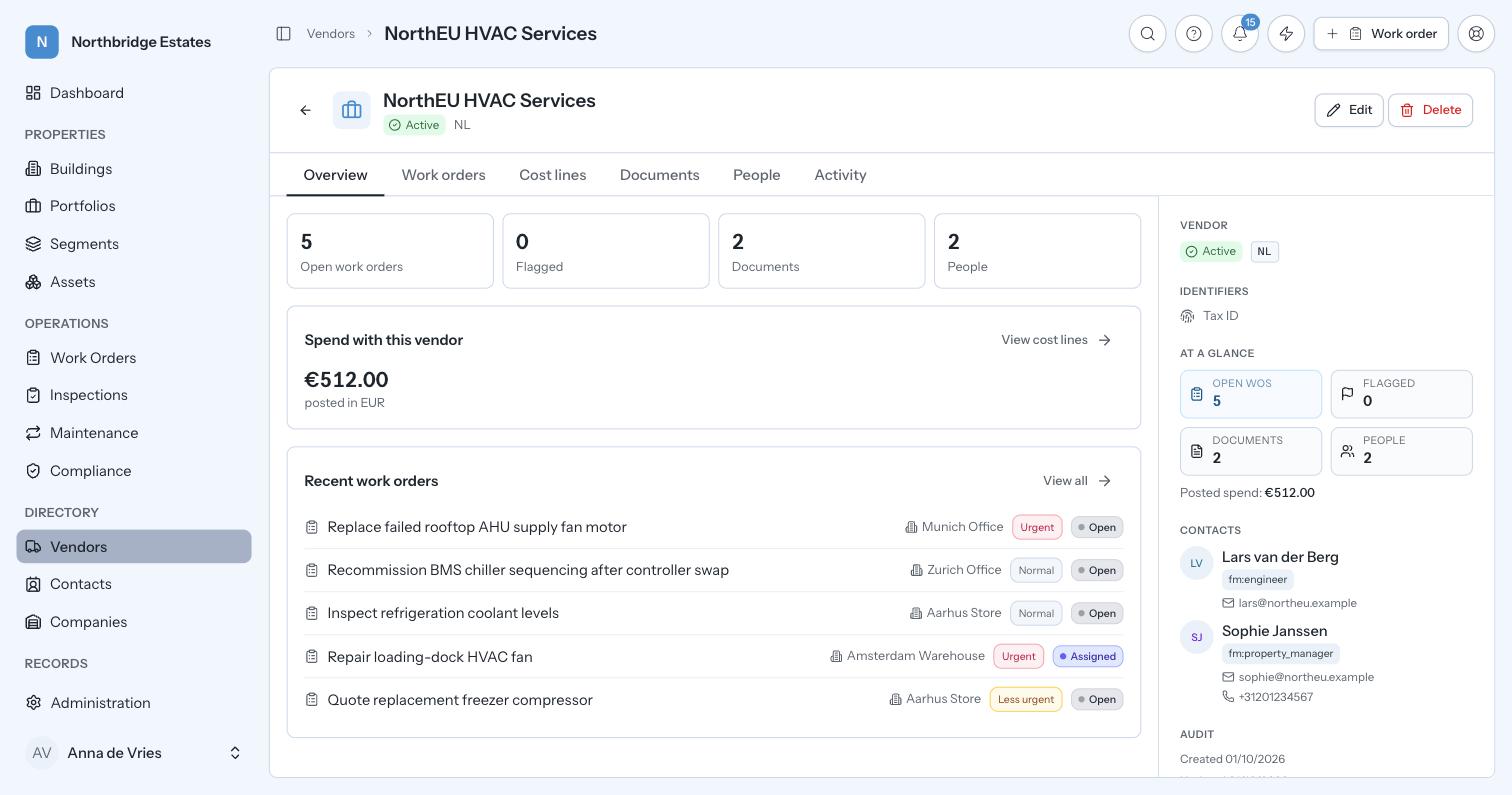
Contractors
Insurance, contracts and spending limits as live records with dates on them, not folders somebody forgot to open. Contractors and suppliers sit in one central register with their service agreements,…
 English (UK)

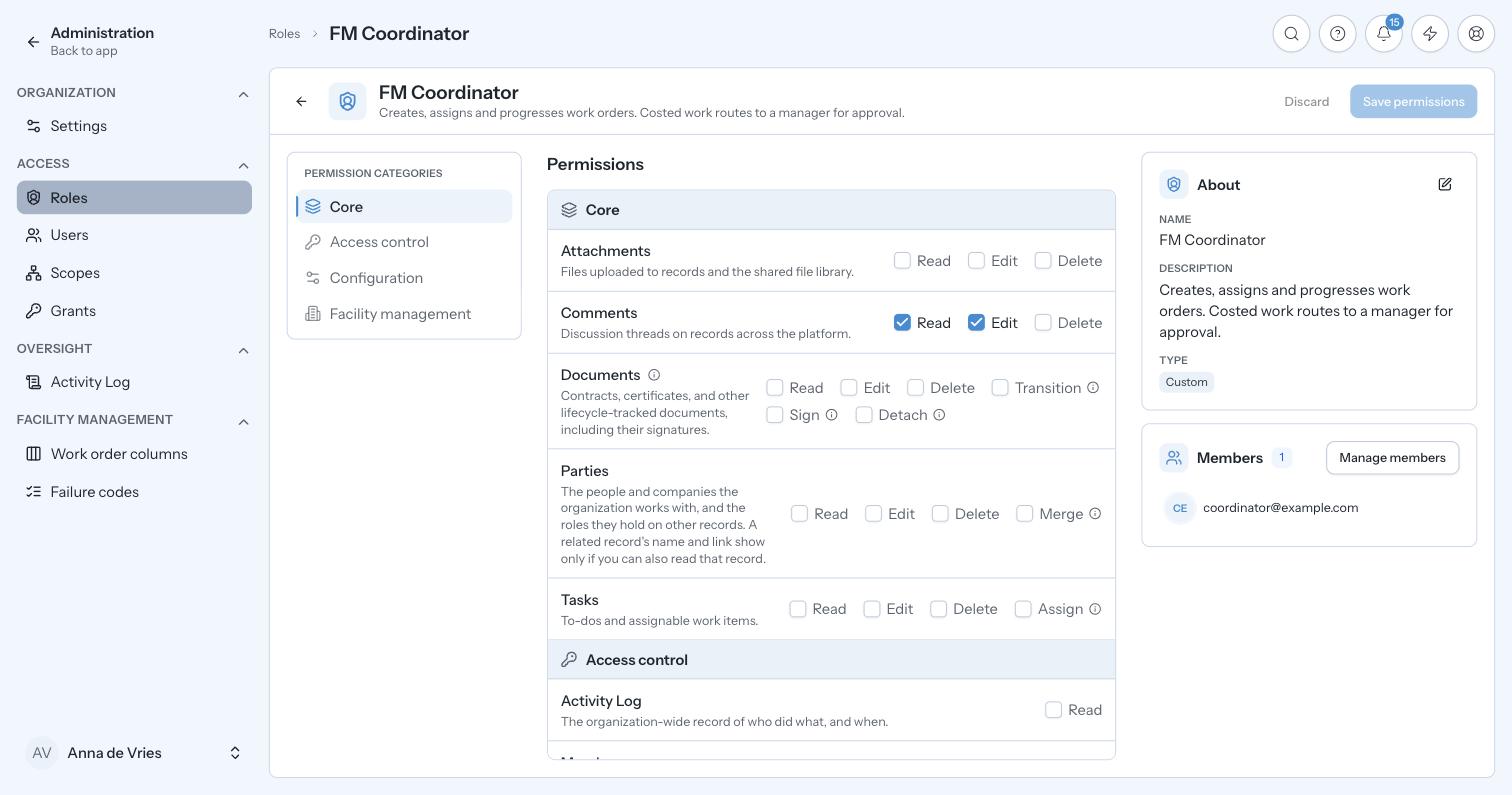
What you may do, and where you may do it.
Roles grant permissions resource by resource and action by action, denied by default, with six starter roles for facility management running from local manager to compliance officer. Scopes then decide where those permissions apply: a tree over the estate with country nodes, regional nodes and building leaves, where a grant on any node covers everything beneath it.
Multi-site operators need a local manager to see their own site and a country manager to see their country, without somebody maintaining that by hand every time a building is added. Because scoping follows the estate tree, adding a building to a region grants the right people access to it as a side effect. Denying by default matters when tenant and contractor data sits in the same system as your own records.
Roles and permissions
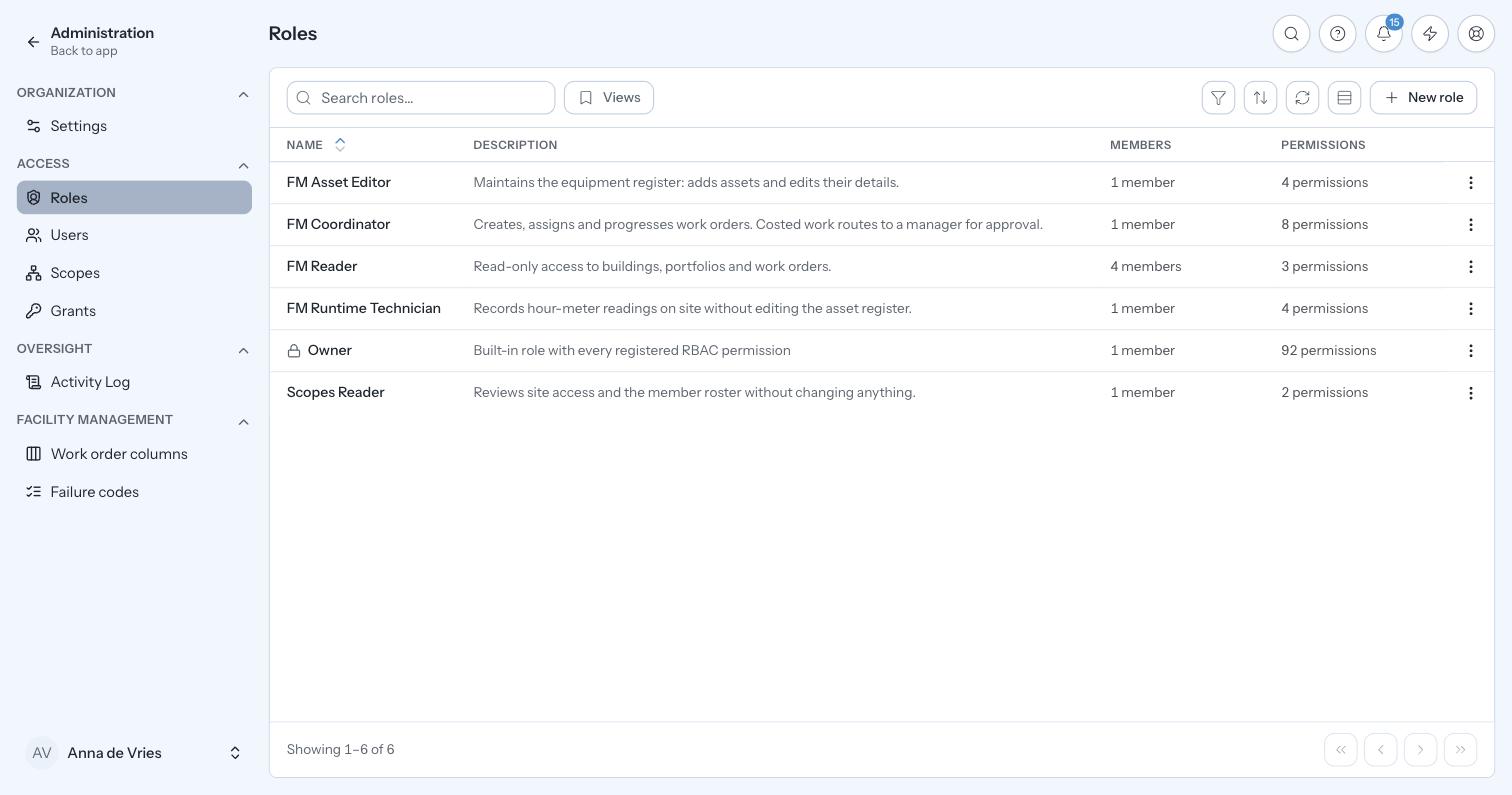
Roles per organisation, granting permissions resource by resource and action by action, denied by default, with six facility-management starter roles.
Scope tree
Country nodes, regional nodes and building leaves. A grant on a node covers its whole subtree.
Team and roles
Access follows the building tree: a local manager sees their site, a country manager their country.
Organisation
The root of everything. Every record belongs to exactly one organisation.
In practice
A new country manager for France starts on Monday.
Access follows the shape of the estate rather than a list somebody maintains by hand. That is what stops a growing estate quietly becoming a system where everyone can see everything because it was easier.
Illustrative walkthrough. Not a customer record.
Deny-by-default and scoping are what separate them, and one organisation is one sealed world with no data crossing the wall.
The scope tree is yours: country, region, building. Grants follow the tree, so it stays correct as the estate grows.
Grants are made per node, and a person can hold grants on more than one.
Next step
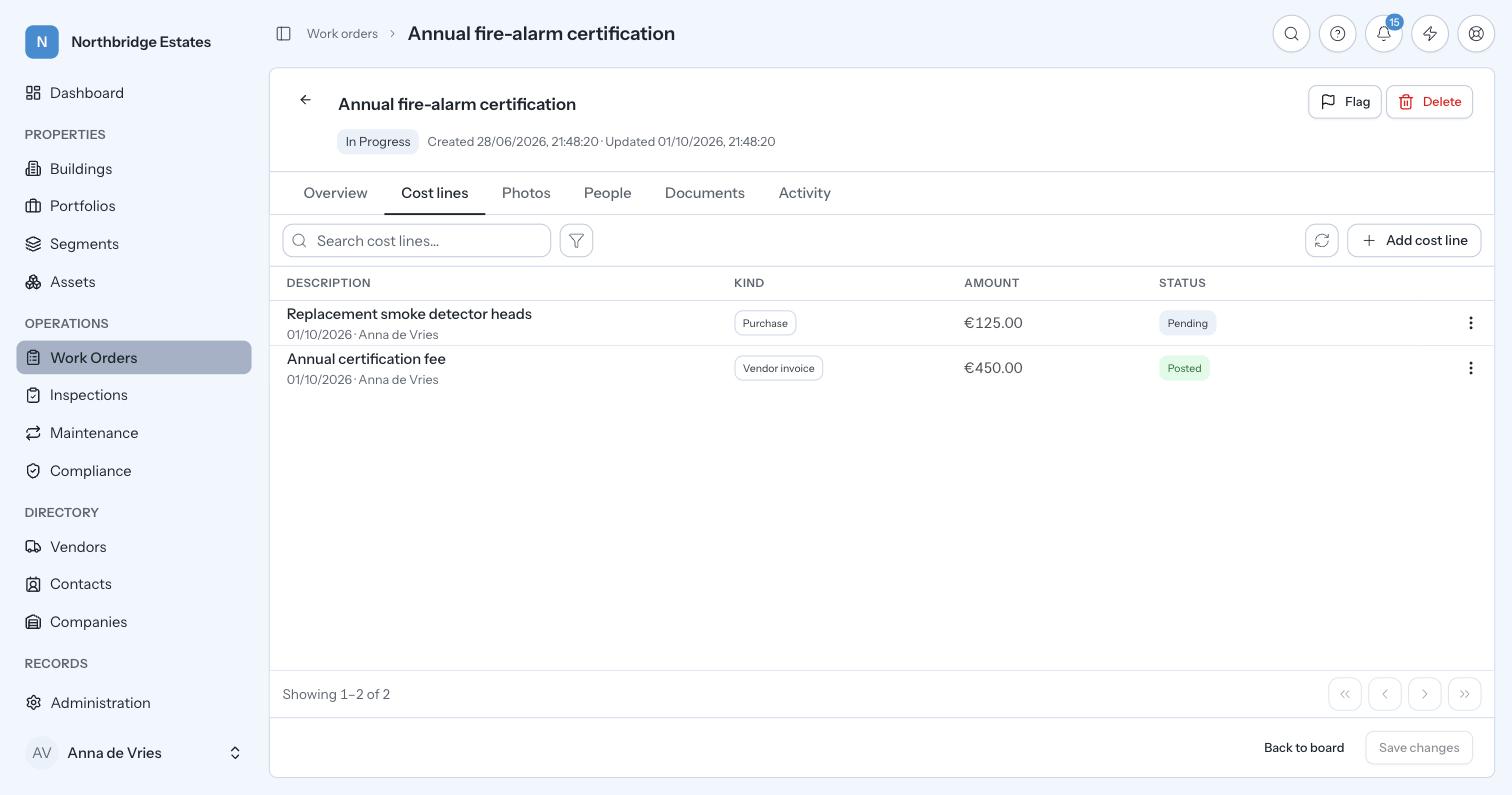
Thirty minutes on your own estate: your buildings, your obligations and your numbers. We will show you where the time and the money are going.
Book a demo