

Cost Management
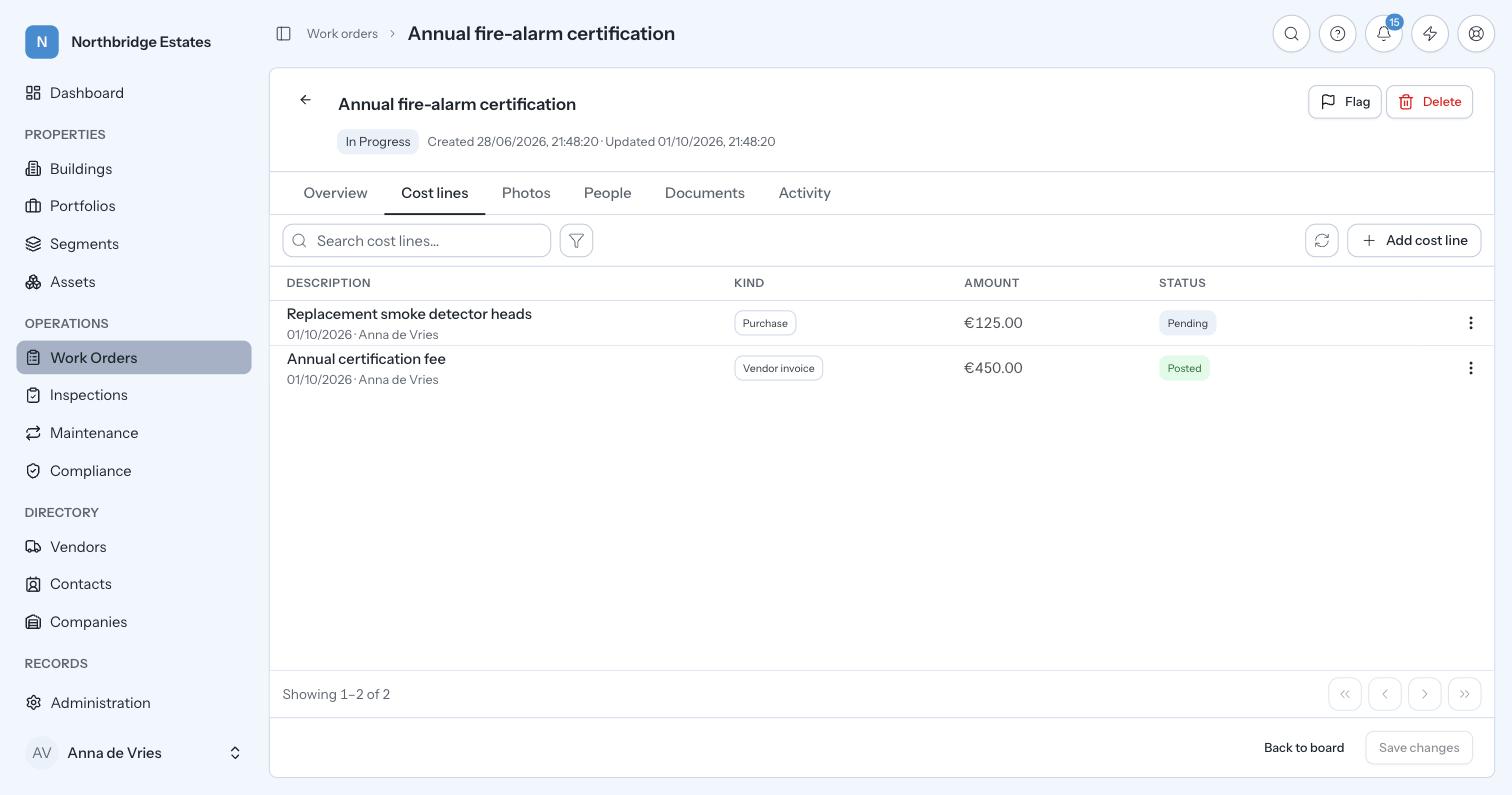
Every euro attributed, and a changed number that leaves a trace. Costs attach to the work order as lines: invoices, labour and materials, approved, posted, and rolled up by building…
 English (UK)

Insurance, contracts and spending limits as live records with dates on them, not folders somebody forgot to open.
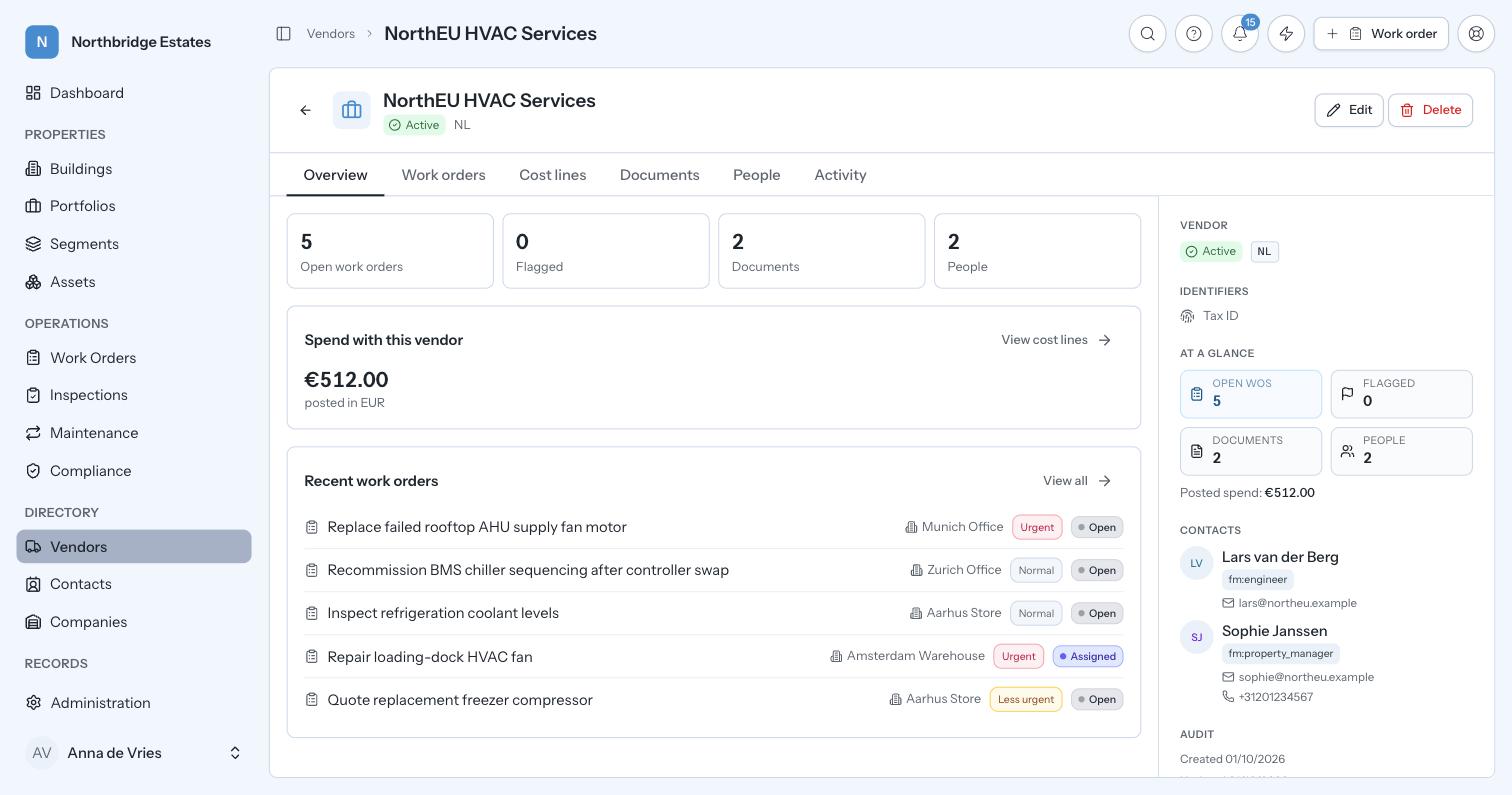
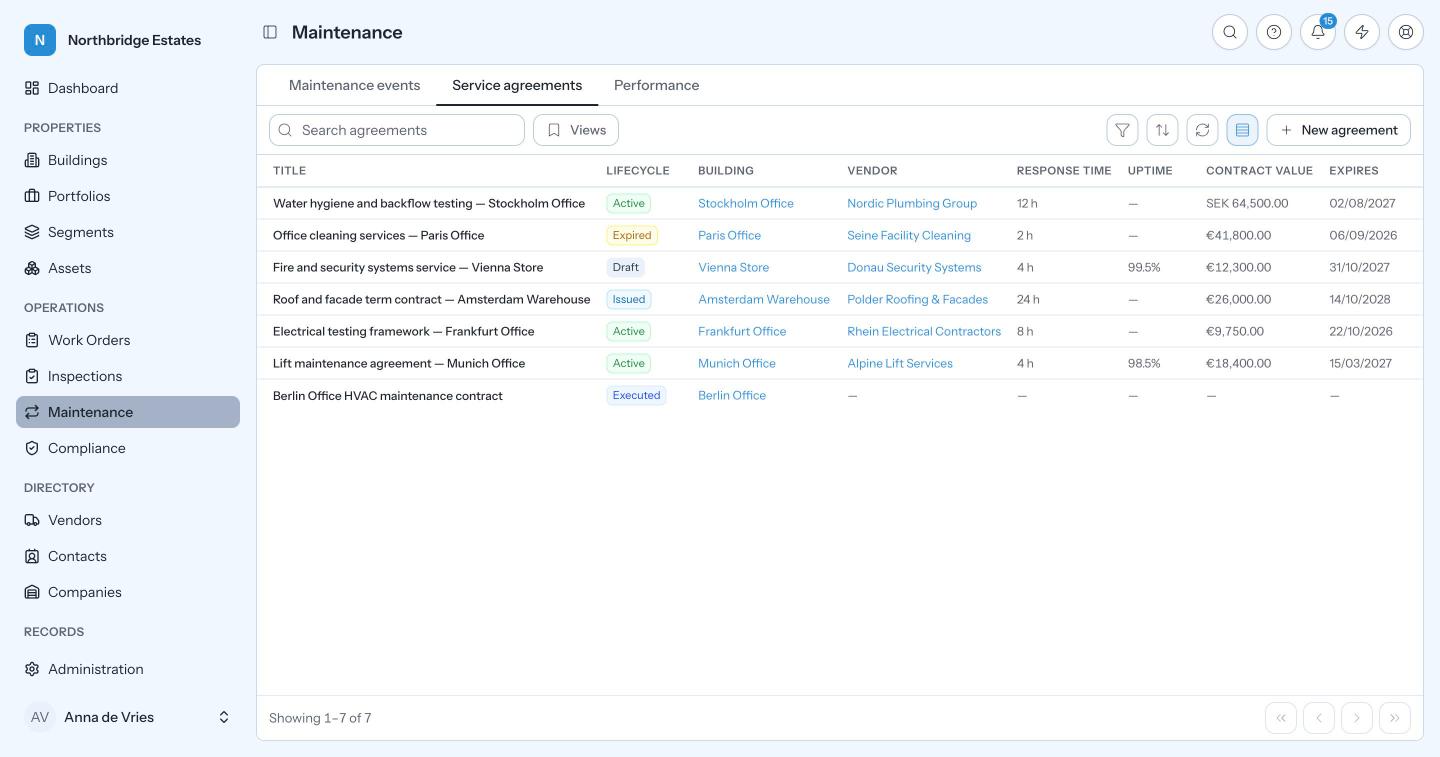
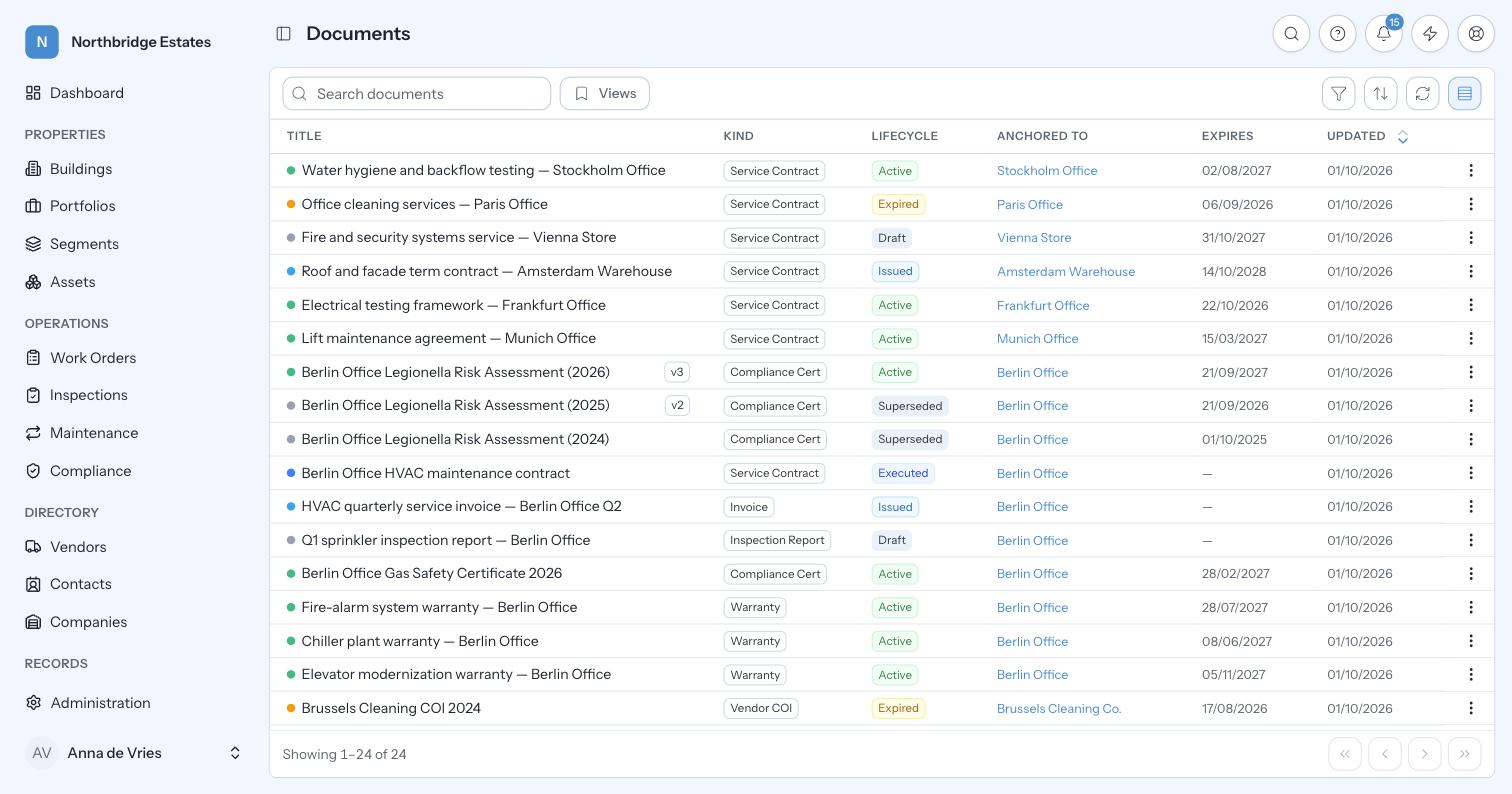
Contractors and suppliers sit in one central register with their service agreements, their insurance policies and the expiry dates attached to both. When a contractor’s insurance policy expires, Prova stops that contractor being assigned work from that day. The agreements themselves hold the terms behind the work, including response times, SLA commitments and contract value, and they link from the maintenance plan onto every work order that plan raises. Documents are typed, with their own lifecycles and signatures, each signature carrying its eIDAS tier, and a required signature is the gate between a document that has been issued and one that has been executed.
The insurance check is the control most estates believe they already have and few can prove. Lapses tend to surface after an incident, at the point where the question becomes whether an uninsured contractor was working on your site with your authorisation. Making the register enforce the rule rather than merely record it moves that check from one person’s diligence to the system’s default behaviour. The agreements matter for the same reason: a contract that sits outside the operational system is never consulted at the moment a job runs late, and carrying it onto the work order puts the promised response time next to the actual one.
Vendor register
Contractors and suppliers: assigned to work orders, bound by service agreements, measured by their invoices.
Insurance gating
An expired policy restricts work assignment, automatically, on the day it expires.
Service agreements
SLA terms, response times and contract value, linked from the plan and carried onto every work order it raises.
Renewal alerts
Agreements expire with warning rather than by surprise.
Signature audit trail
Draft through to final execution, with verified signatures on the record.
In practice
An HVAC contractor’s public liability policy expires on 14 March, and nobody notices.
The question after an incident is always whether the contractor was insured on the day, with your authorisation. The record answers it with the certificate and the dates, rather than with a search through somebody’s sent folder. Most estates believe they have this control; few can produce it on request.
Illustrative walkthrough. Not a customer record.
Onboarding is a point in time. Policies lapse mid-term, and the question after an incident is whether an uninsured contractor was working on your site with your authorisation. This moves the check from one person's diligence to the system's default.
No. Access follows the scope tree, so a contractor sees only what they are scoped to.
Next step
Thirty minutes on your own estate: your buildings, your obligations and your numbers. We will show you where the time and the money are going.
Book a demo